Bring your own AI
Plug in the AI you already pay for — Claude Code, Codex, or an API key. No extra cost.
One system you can trust with your whole day.
Learn from every day, and let the small changes compound.
A letter from Luis · 4 min read
Locus was born out of necessity: a system to help us deal with the fast, noisy, high-stress times we increasingly live in.
The starting point was an old idea from David Allen's Getting Things Done: you need one system you can trust with everything — every to-do, every objective, every thing you already did — so your mind can stop running the meta-strategy in the background and be present in what is in front of you, as fully as possible.
Runner friends of mine say it half as a joke, but it's true: the struggle never stops. The pace only gets faster.
That's running. It's also life. If you're working at the level you're capable of, you are always in a fight.
And the fight happens at two horizons that require different approaches. The days, to win them, you have to be present — head down, in the work. A soldier. The years, to win them, you have to lift your head — set the strategy, learn from each day, connect it to the ones before it, and continuously adapt the strategy if necessary. A general.
You don't get to pick one role. You're both, at once, permanently — and neither one covers for the other. A bad plan loses no matter how well you follow it. A good plan loses to a day you never showed up for. Both have to be there, and both have to be great. To top it all, the two have to talk: out of every day, you have to catch the patterns and the new information that really matter, the ones worth adapting the strategy for — and there is a lot of noise, and a lot of emotion.
This dynamic rests on a delicate equilibrium, and is a tough ordeal to execute well.
Every high achiever we've come across attacks this with the same two ingredients: personal discipline, and a great system in place. Discipline is how hard you push on any given day. The system is how much friction you meet on all of them.
Discipline is yours — nobody can supply it from the outside. The system, Locus, is our mission to build. We count on you for the first. You can count on us for the second.
Most of the tools we rely on were built before AI — so they were never designed around what is now possible. That idea drove many of our decisions, and it is the difference between an AI-native app and AI features bolted onto a traditional one.
Building software was also much slower then, so apps kept their ambitions small: one job each, done in isolation. A to-do list holds the intent and never sees the outcome. A calendar holds the plan and never learns what happened. A timer counts minutes without knowing what they were for.
We believe a lot of insight, and a lot of improvement, slips through those cracks. And for the first time we have the tools to do something about it: to build a system robust enough to hold the whole day, and to take everything it gathers, process it, and hand back real insight. It is a fundamental paradigm change — in how our systems are built, and in how they run.
We didn't find what we thought a great solution to this modern productivity problem would look like: one that really felt like a smart assistant, and that helped us win day after day. So we built one — though we are still at the beginning of the vision.
Most of the decisions in Locus come down to two ideas.
The first is the idea of compounding, an effect that is at work all around us and all through our lives, and it basically states that far down the line, what you reach is not the linear day-by-day sum, but actually the exponential day-by-day multiplication. An idea that is easy to understand logically, but way harder to really absorb and implement.
And it doesn't care if we are attentive to it; it happens, as time does. One line that we think captures this well:
“Compound interest is the eighth wonder of the world. He who understands it, earns it; he who doesn't, pays it.”
Small improvements, repeated, are the whole game.
The second is what we hinted at in the last section, but James Clear put it best:
“You do not rise to the level of your goals. You fall to the level of your systems.”
Put together: the most useful thing we could create is a better system that helps people be on the earning side of the first idea — one that they can trust with everything, that learns from their plans and from the day they actually had, that helps them discern the important things.
Locus will be there day after day, helping you see a little through the gigantic noise of real life, nudging you once in a while, helping you stay on track and, no matter what, keep compounding.
We hope you enjoy it.
Luis
Early on we split the system in three: the parts we should build ourselves, the parts we should borrow, and the parts we should leave open for the community to evolve. Most of what follows comes from that split.
Rather than rebuild an agentic core, we lean on the state-of-the-art harnesses and put our craft where we truly add value: the sensors, tools, and UI around them.
Your Claude Code or Codex subscription, an API key (say, OpenRouter), or Locus Remote — your choice. Pick the model you prefer, and swap it anytime.
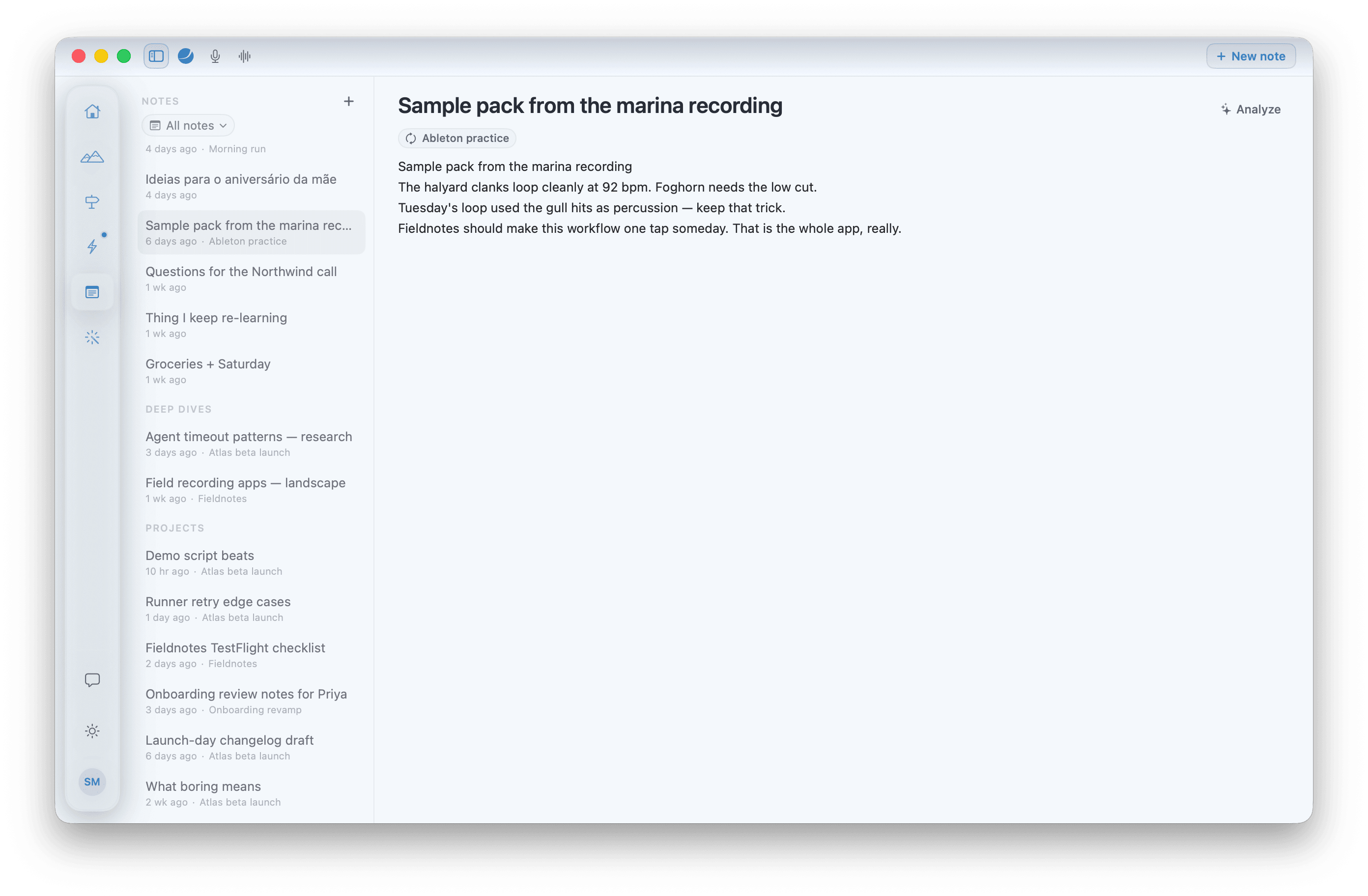
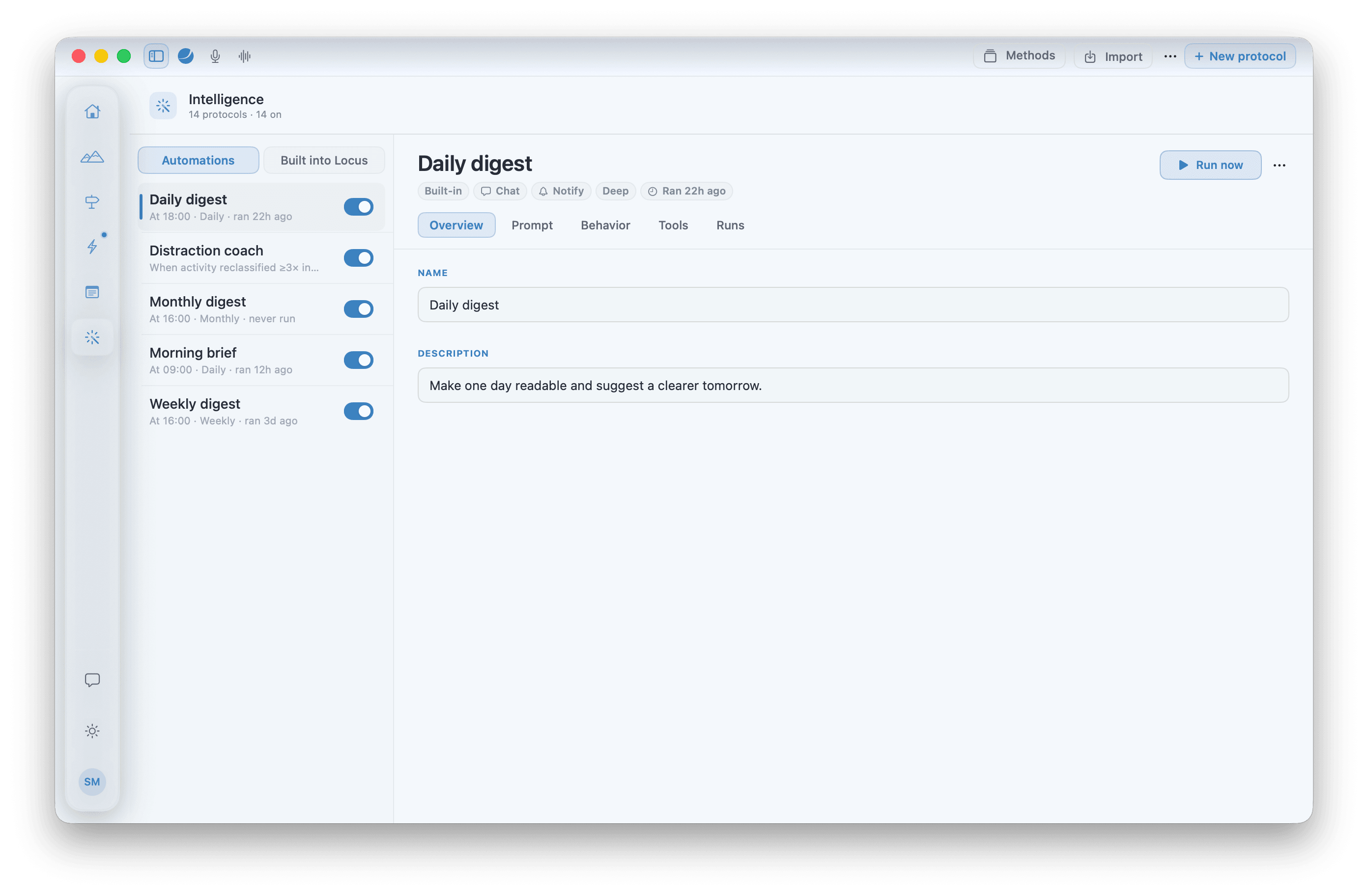
Different personalities want different approaches. So we left this part deliberately open: every AI behavior is a Markdown file — read, edit, share, or add your own.
The MCP servers you already connected to your harness — Notion, Linear, your own — work in Locus too. You switch on the ones that make sense for your setup.
The more you use it, the better it adapts — your patterns, your rhythms, what actually works. That picture is a wiki on your Mac; if it's wrong, you fix it.
Local-first and private by design: your data, your routines, and everything Locus knows about you stay on your device. You only log in for the subscription.
For the reasoning behind each of these, be sure to check our design ideas blog (coming soon).
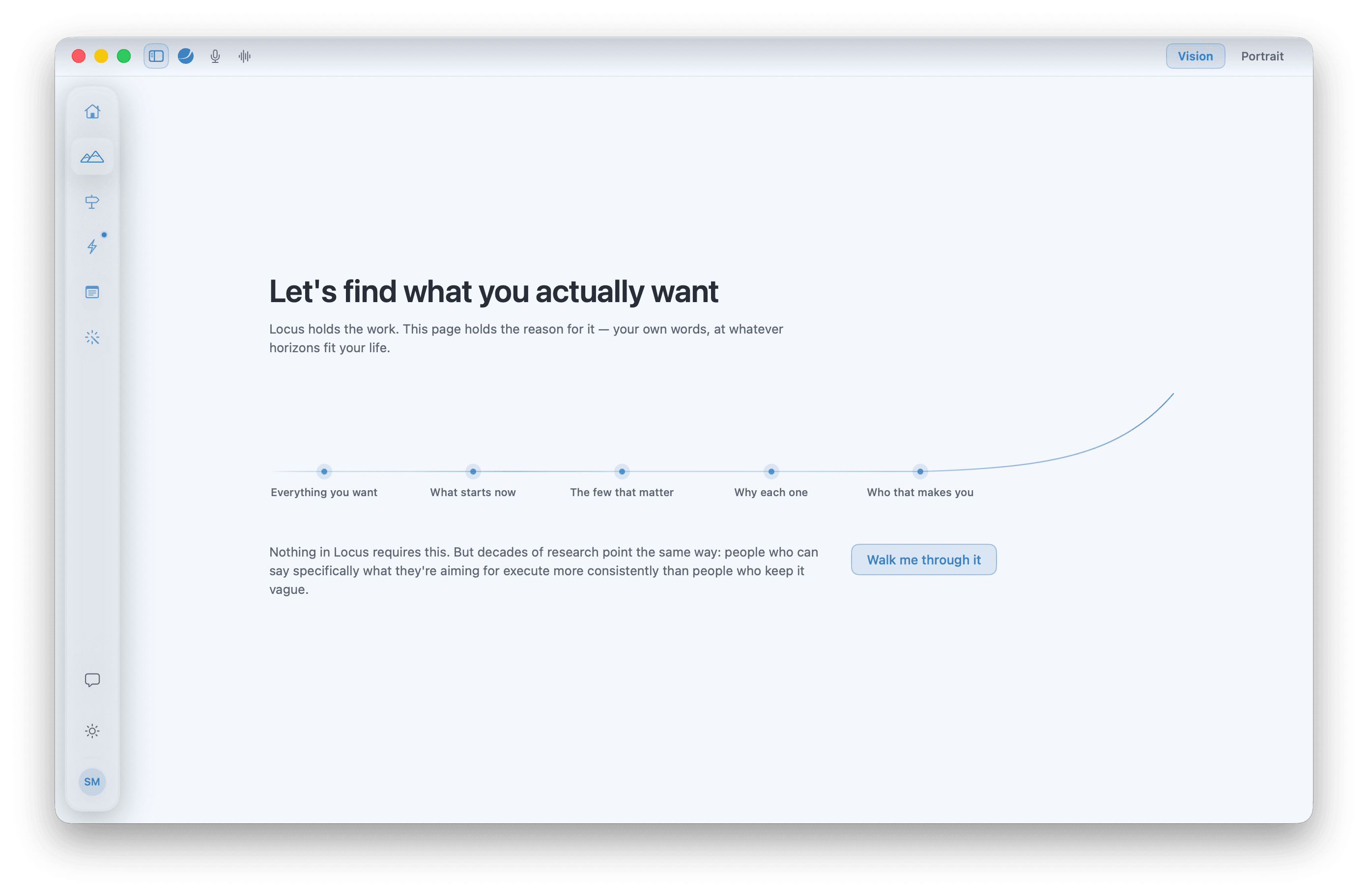
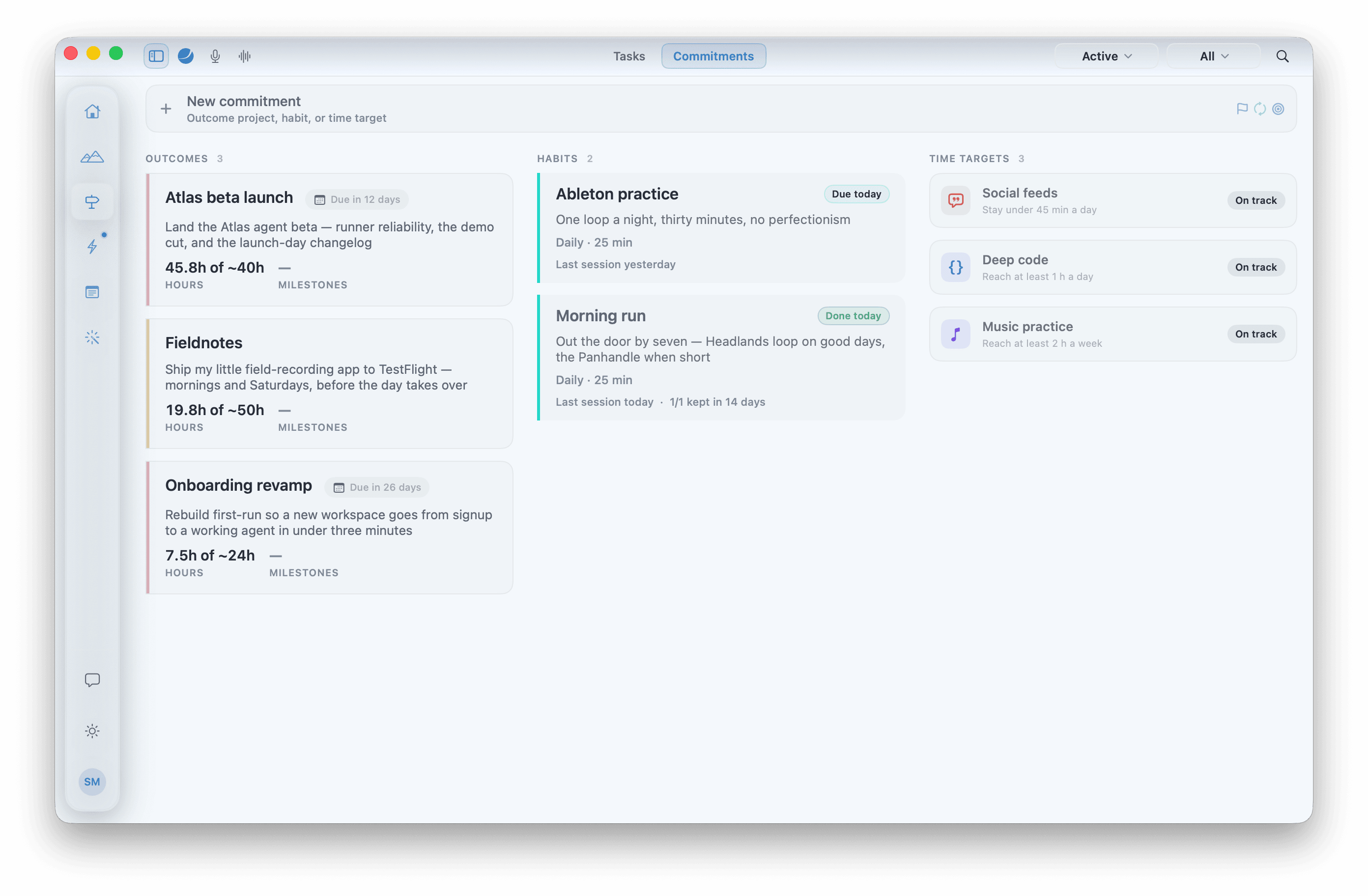
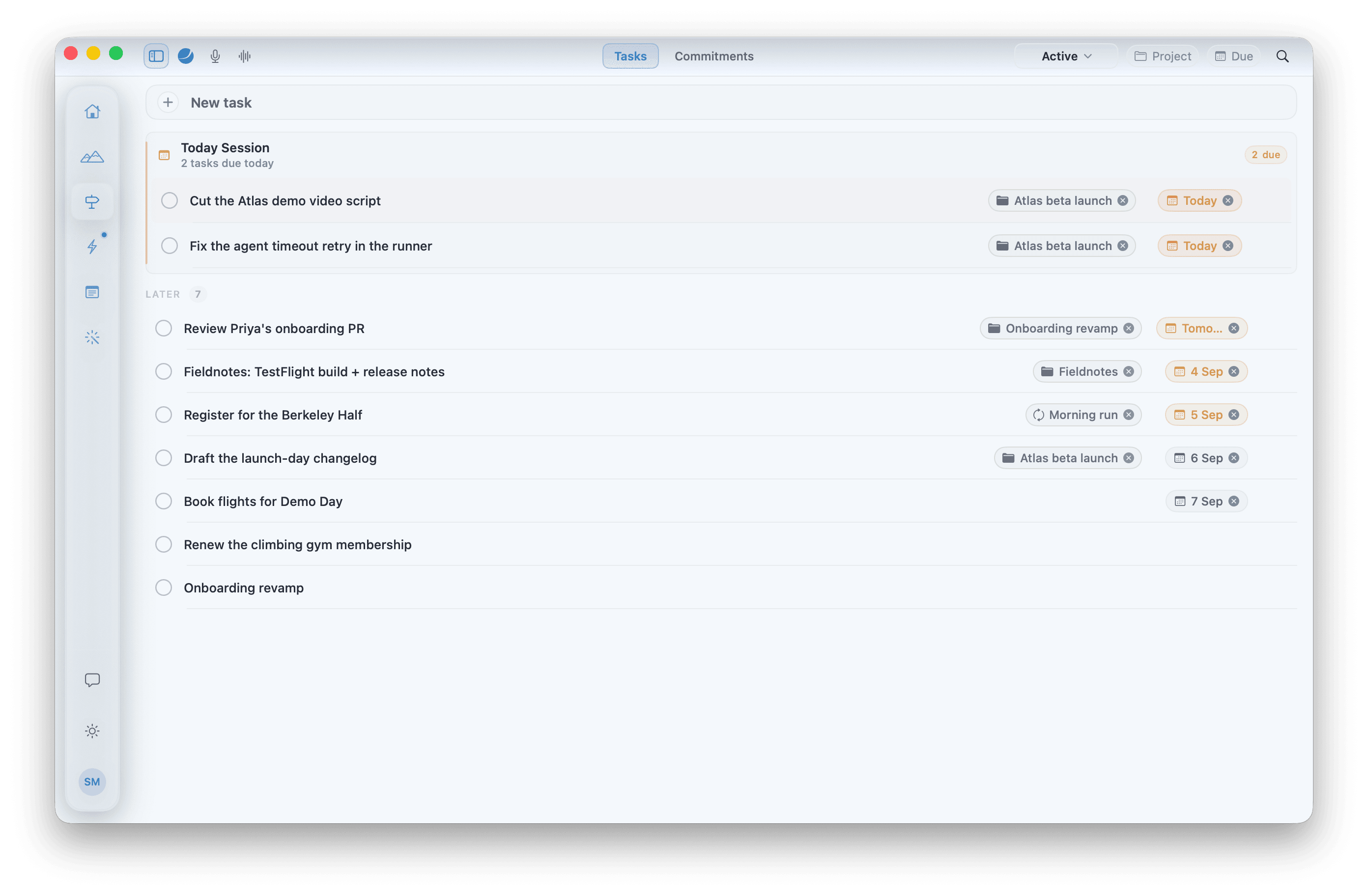
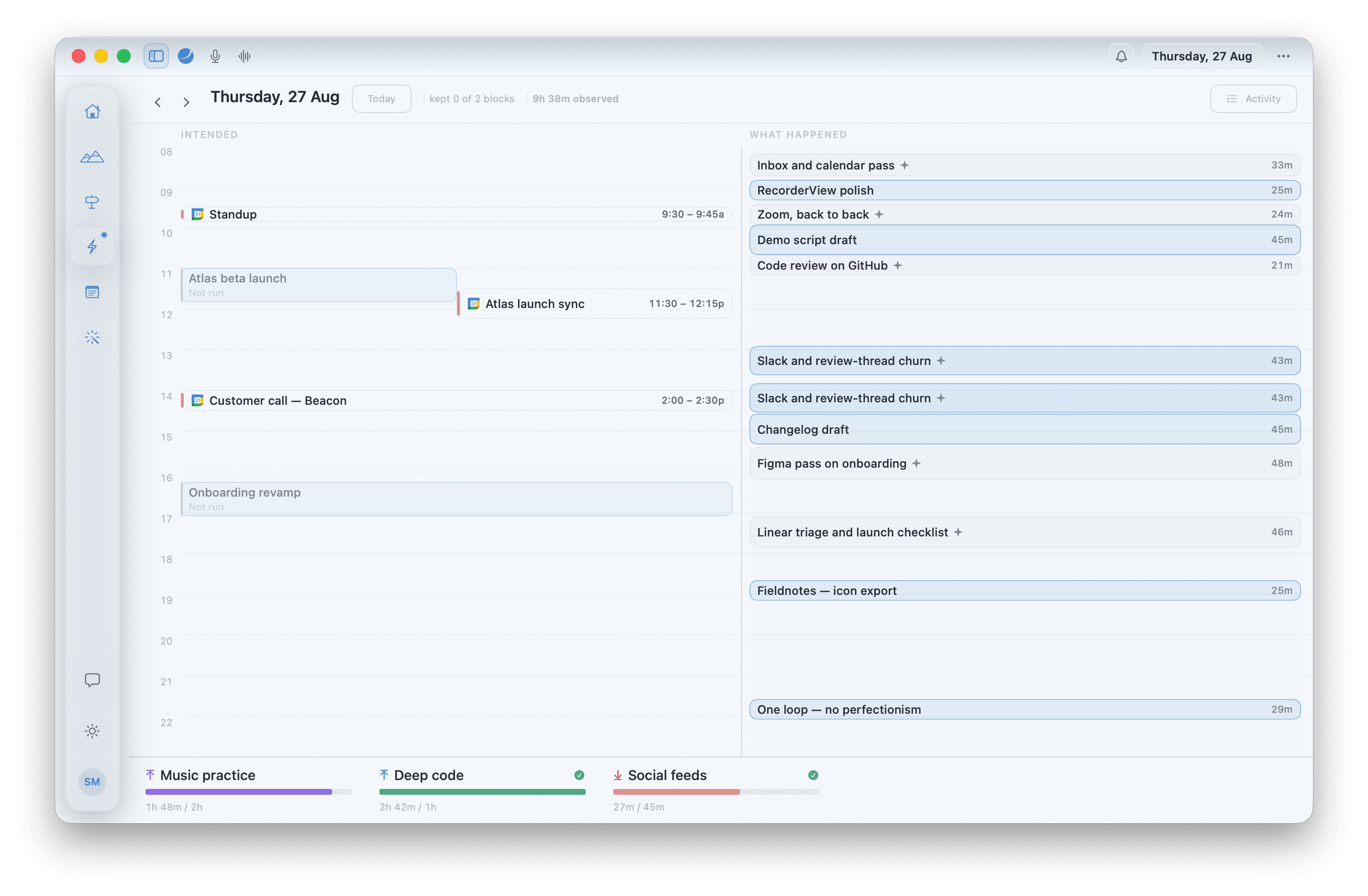
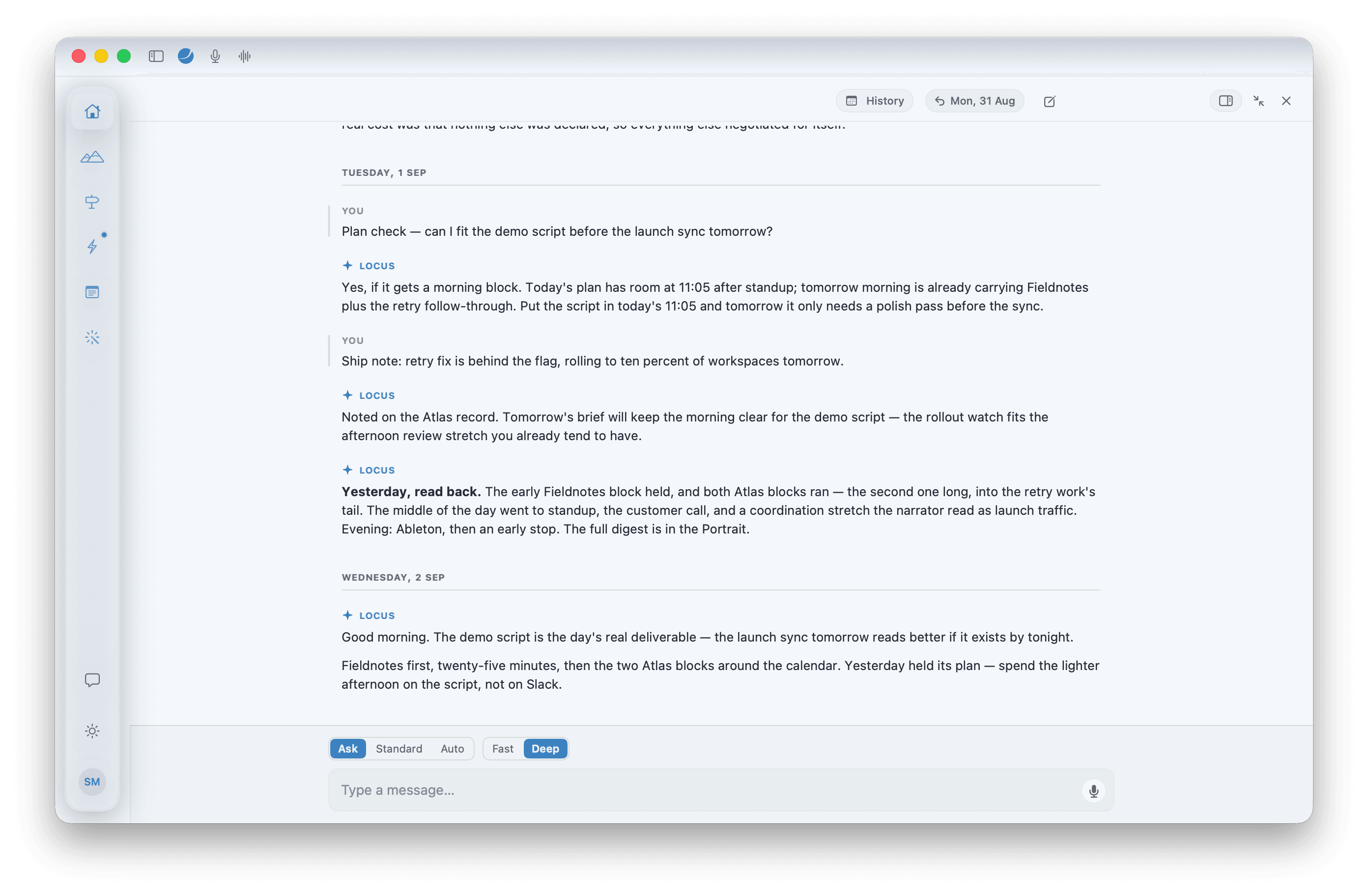
Each tab does one job and hands what it learns to the next. Chat sits in the title bar above all of them — type, or press ⌥1 and just talk.
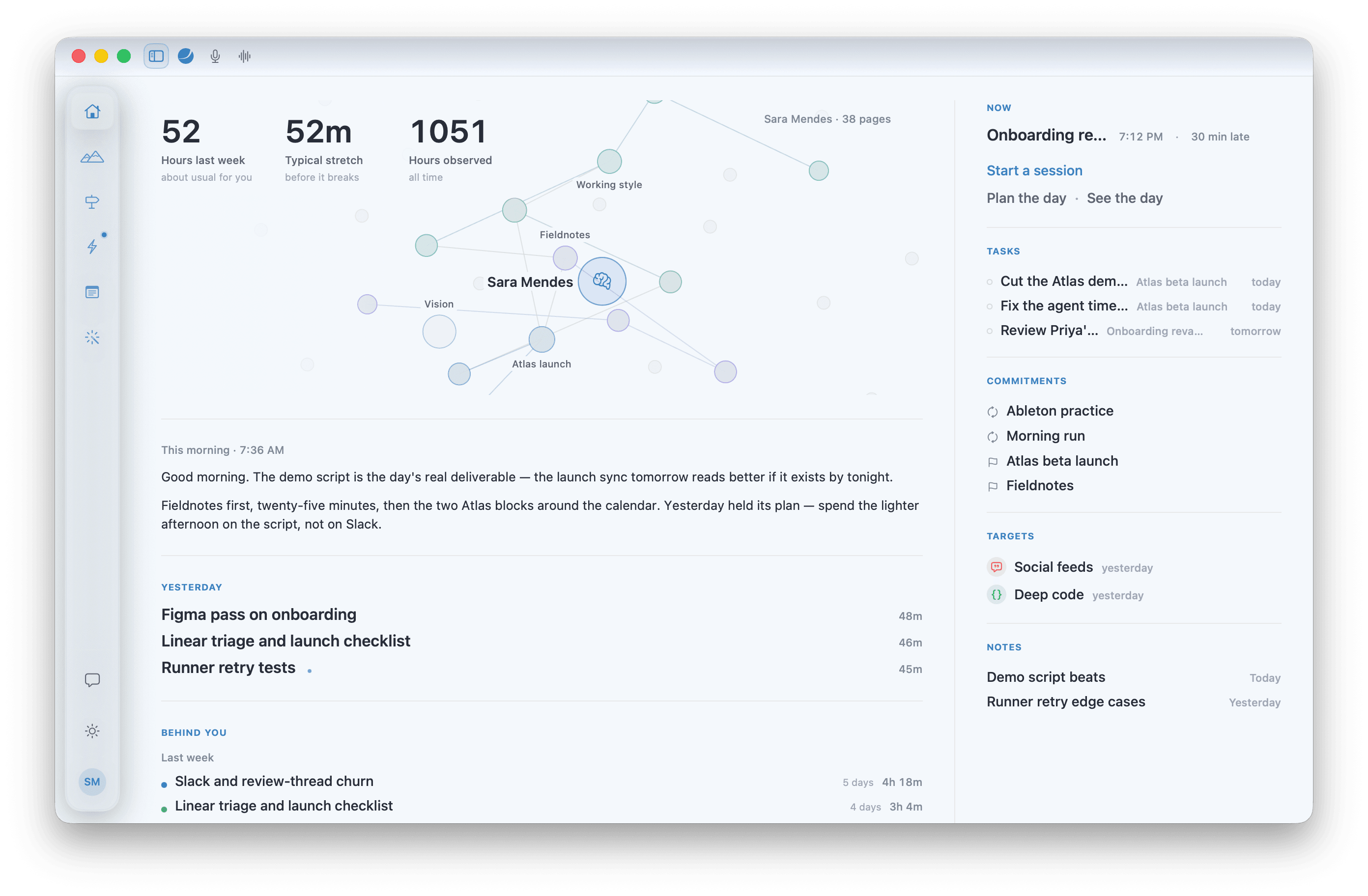
It opens on you: the Portrait, every page Locus has written about you, with three numbers laid over it. Then this morning's brief, yesterday, the month behind you. Home runs nothing.
How they connect. Vision says why. Path says how. Execution says when — and what actually happened. Notes catch what falls between. Home keeps the record. System runs the protocols that read all of it, and Chat is where you talk to any of it. Three levels, two gaps: what the Vision implies, what you said you'd do, what you did. Locus measures the gaps. It never scores you.
Everything included. 7 days free, no card — then $3 a month or $30 a year: a small fee that keeps the infrastructure running and the app improving.
$30 billed once a year. Cancel anytime.
Your 7-day trial starts inside the app — no card required, no web login.
Plug in the AI you already pay for — Claude Code, Codex, or an API key. No extra cost.
Nothing to connect? Buy Remote credits — any amount, one-off — and Locus spends them as you use the AI. Never part of the plan or the trial.
Same features either way. The only difference is whose AI does the thinking.