The app
From your decade down to today.
Six tabs, explained below, and one smart copilot — chat in the title bar, or just your voice — that reaches all of them. All of it on your Mac, on the AI you already pay for.
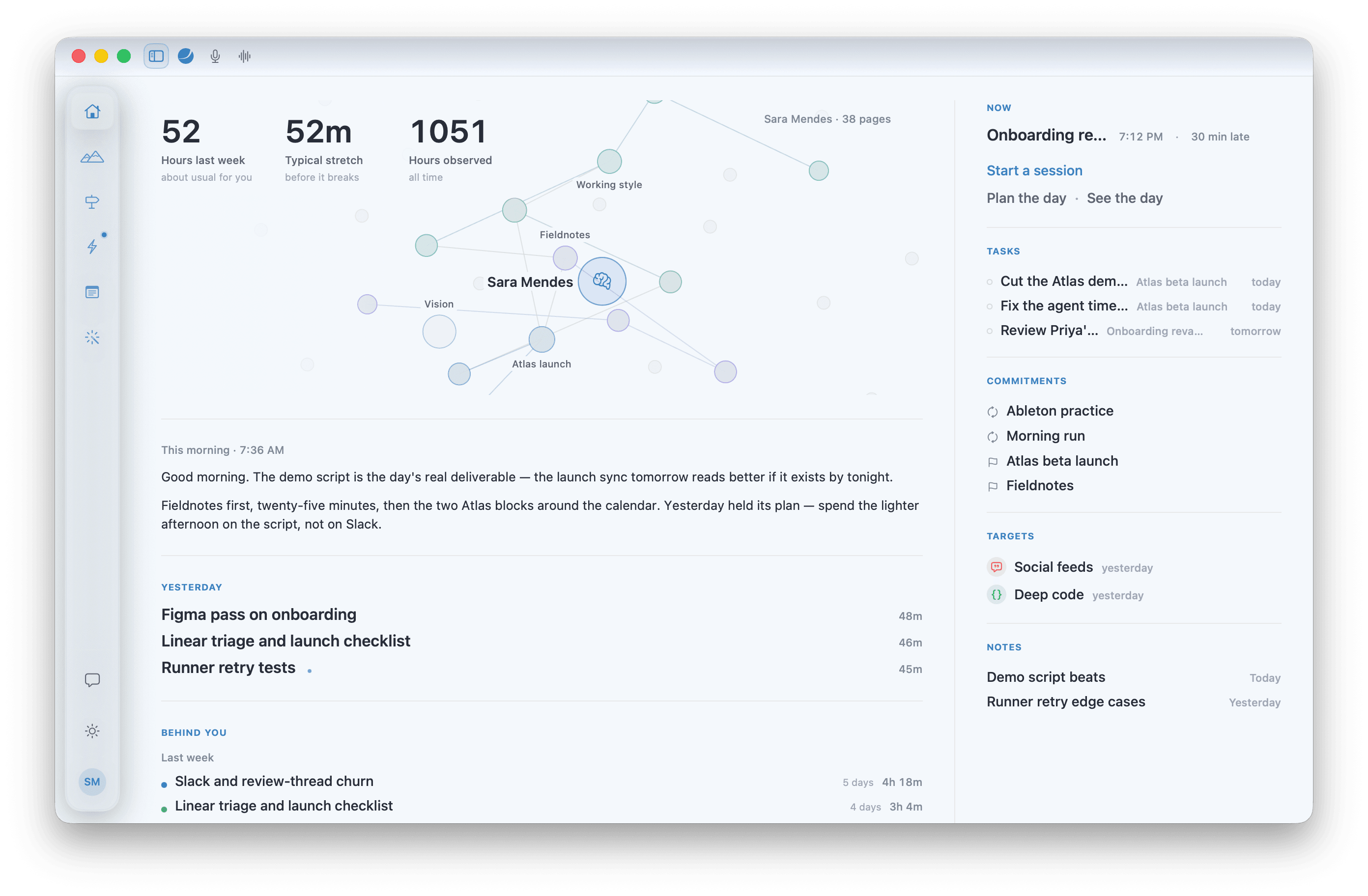
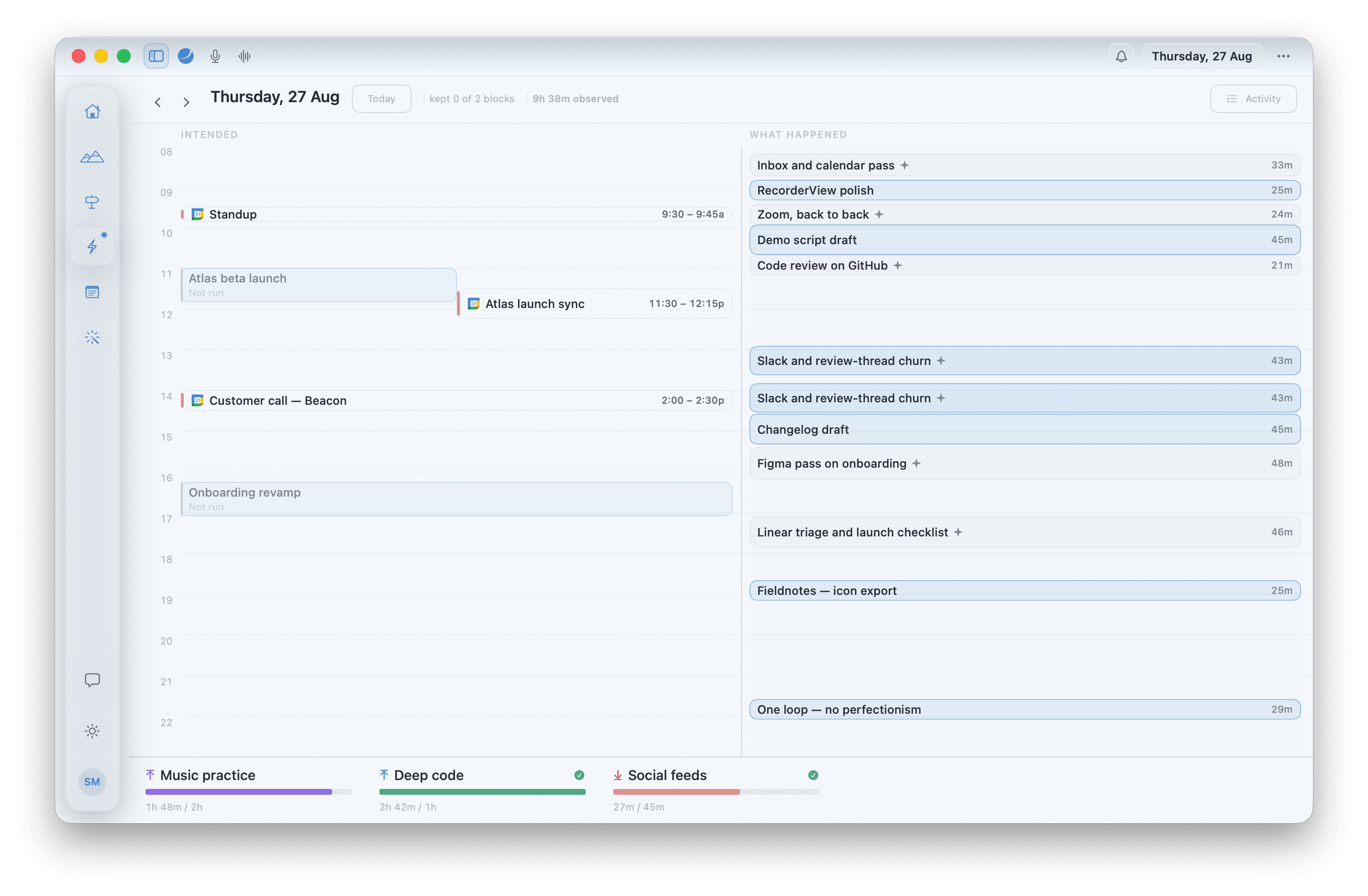
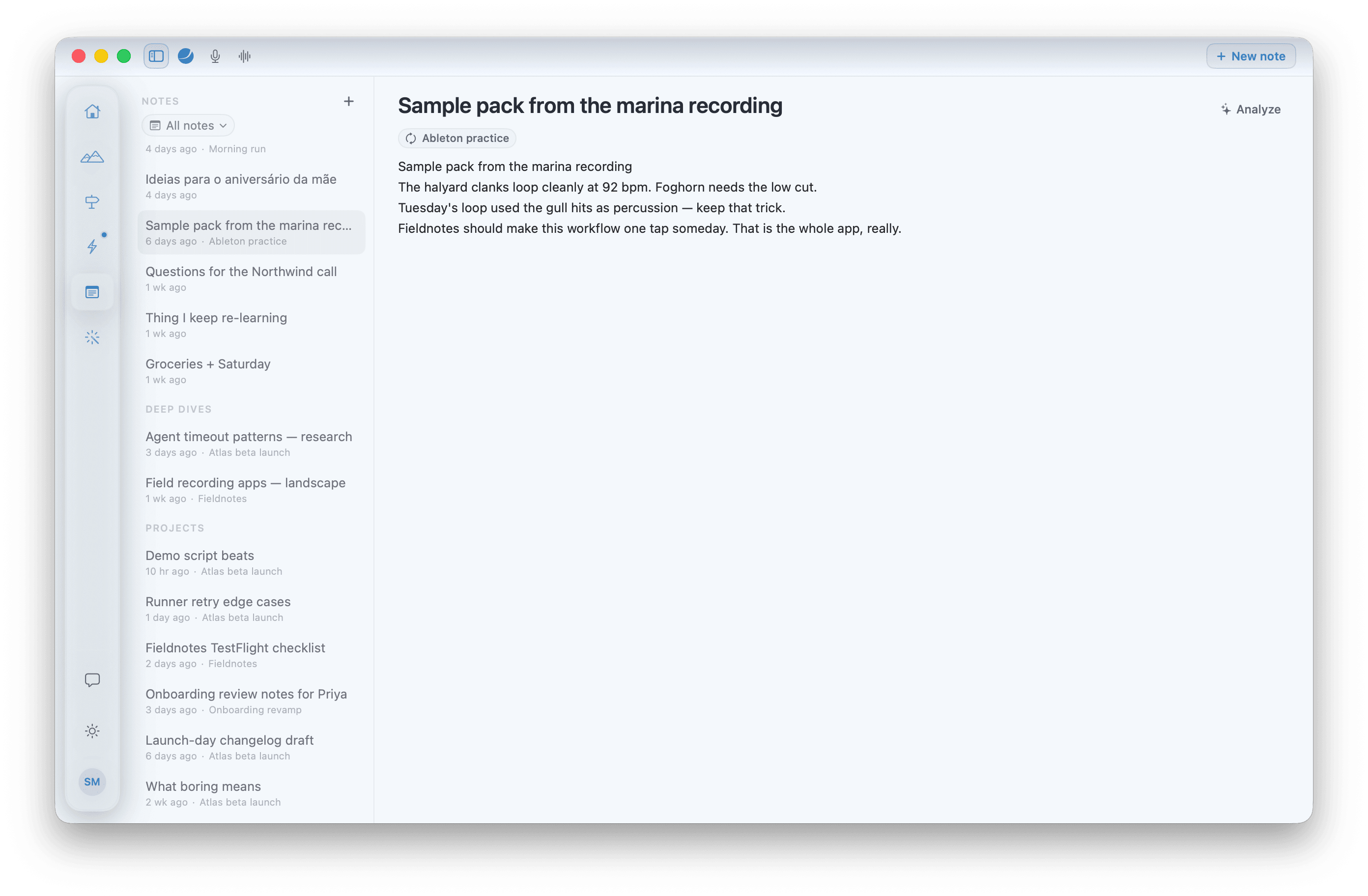
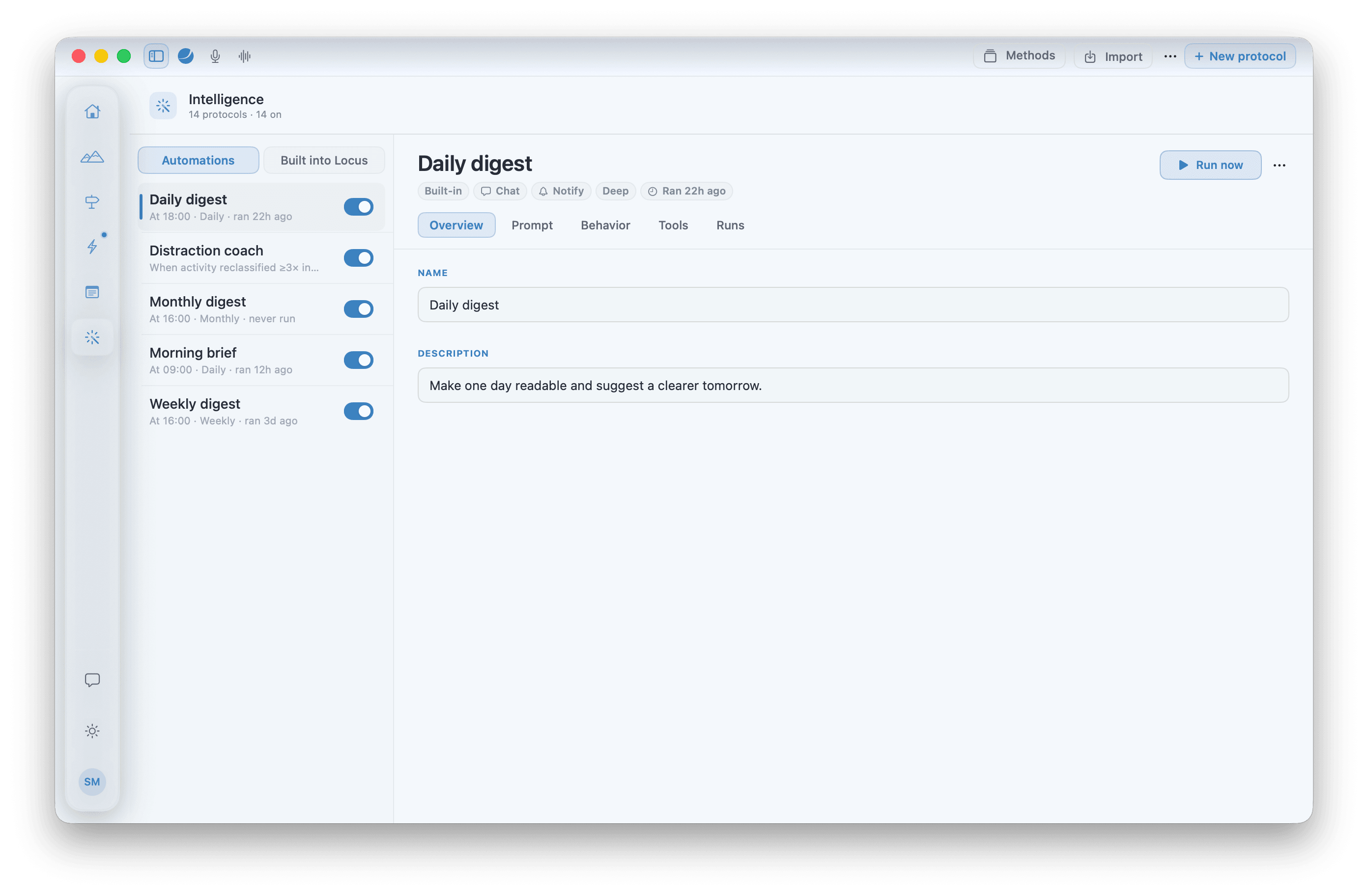
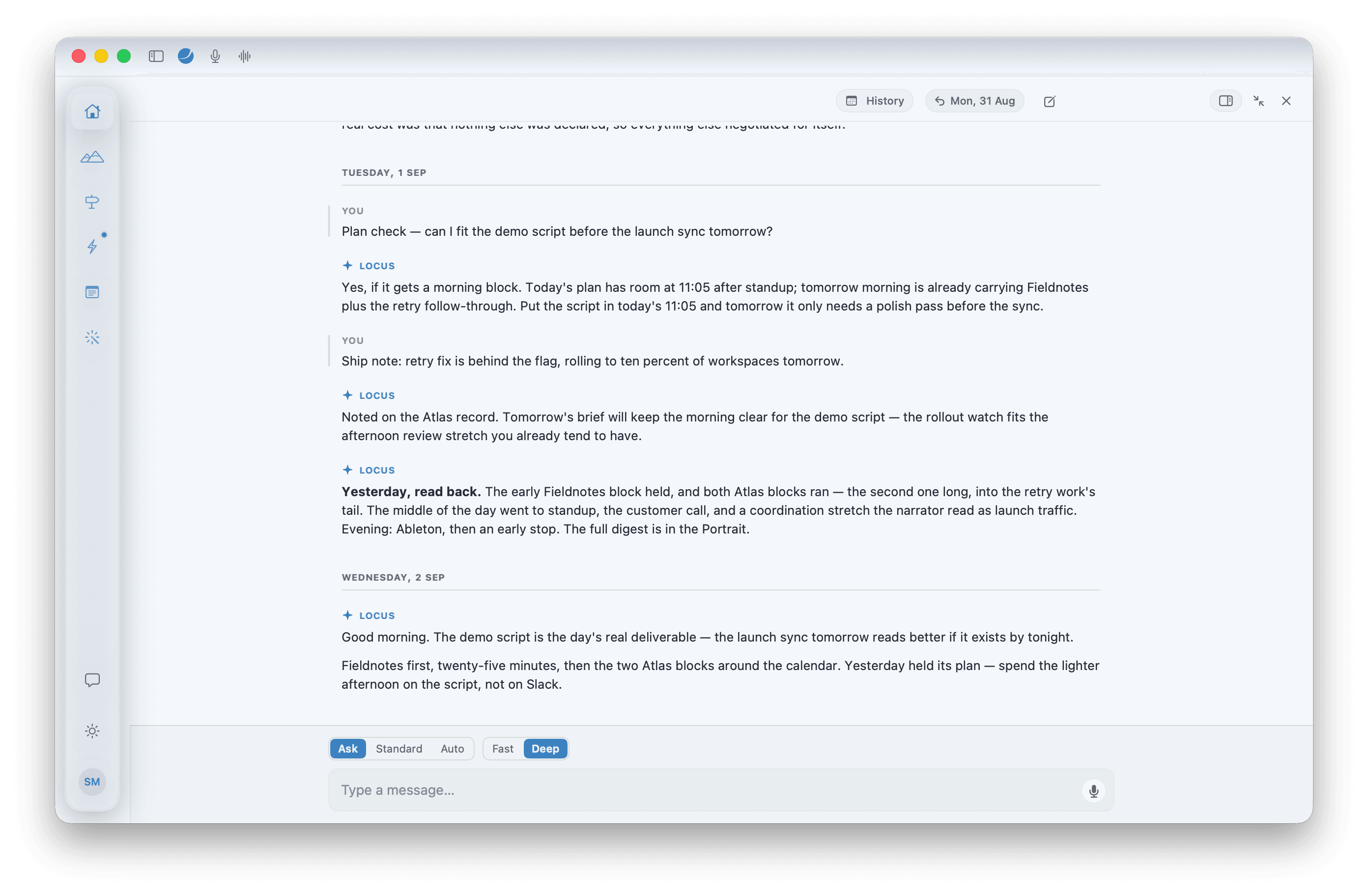
⌘1Home· How it's going, across everything
The whole picture, at a glance.
It opens on you: the Portrait, every page Locus has written about you, with three numbers laid over it. Then this morning's brief, yesterday, the month behind you. Home runs nothing.
How they connect
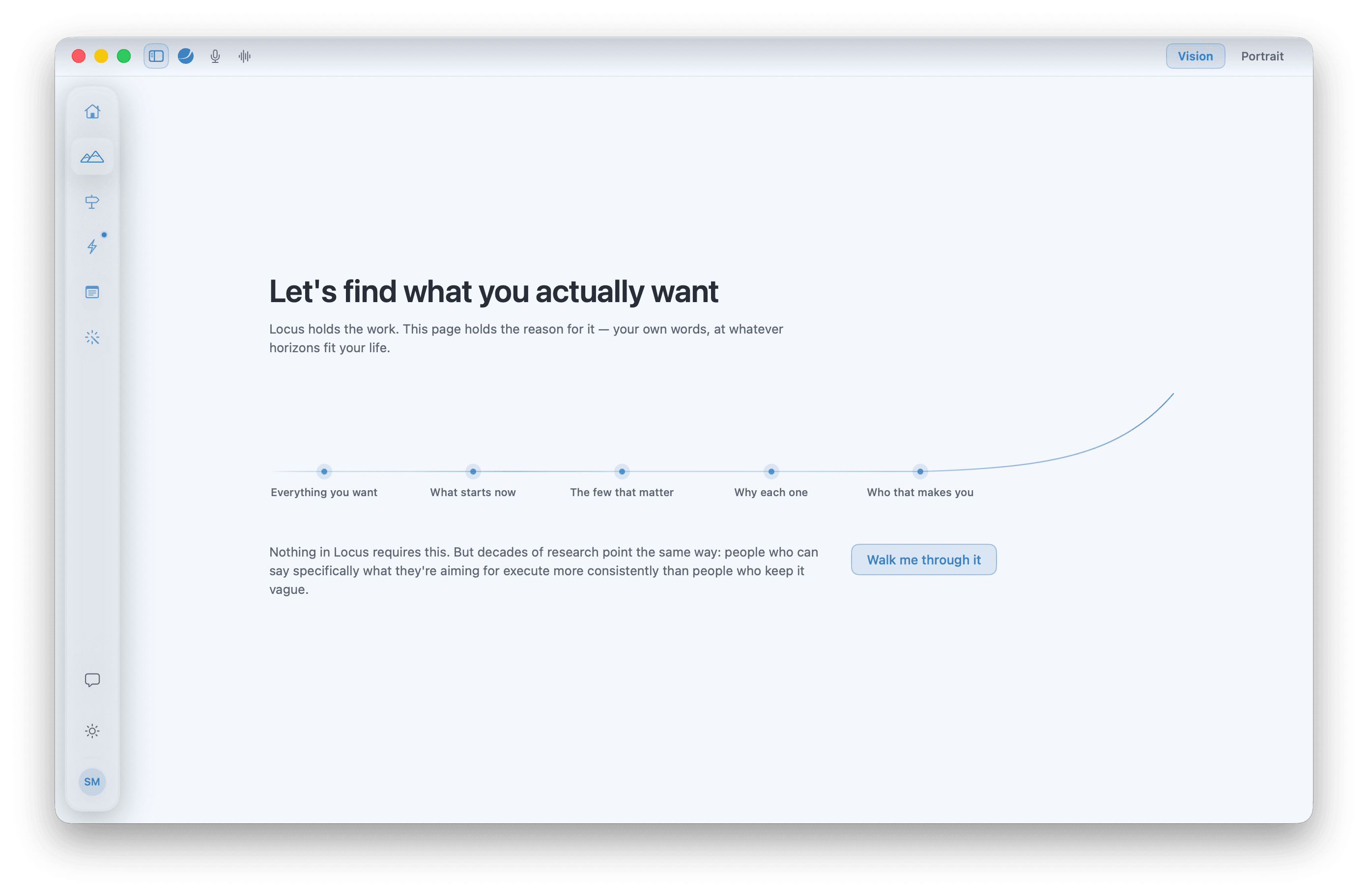
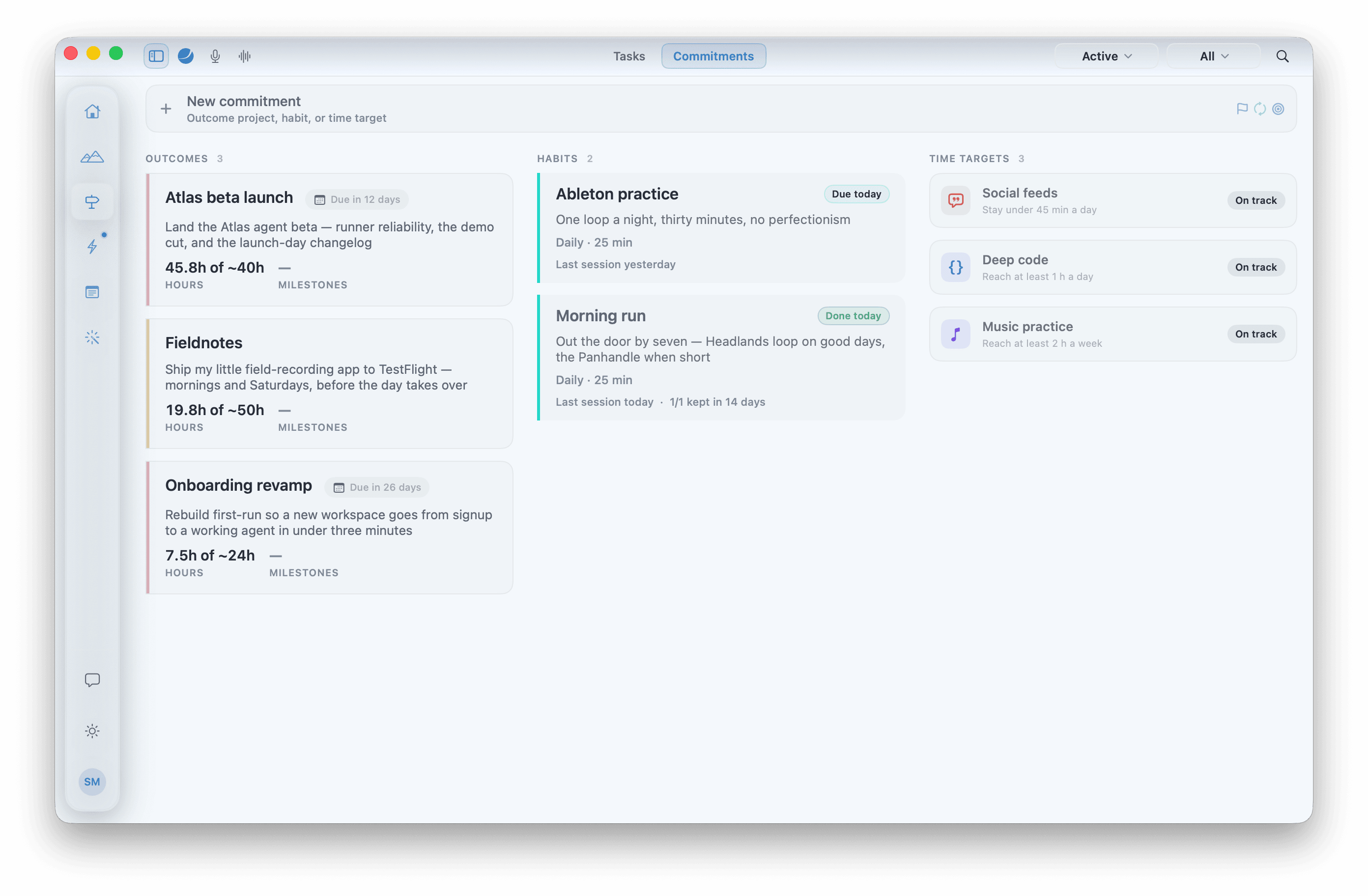
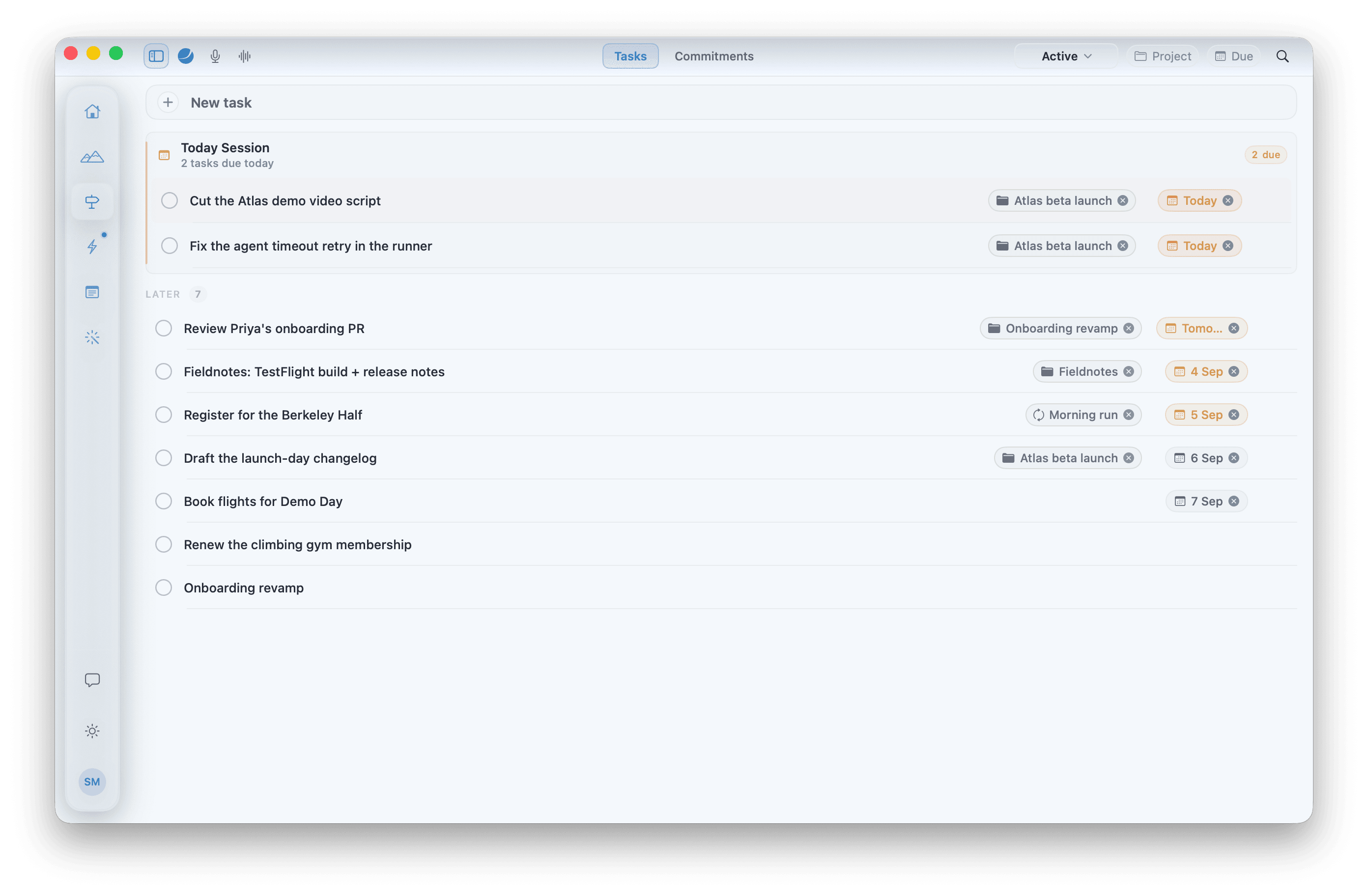
Vision says why. Path says how. Execution says when — and what actually happened. Notes catch what falls between. Home keeps the record. System runs the protocols that read all of it, and Chat is where you talk to any of it. Three levels, two gaps: what the Vision implies, what you said you'd do, what you did. Locus measures the gaps. It never scores you.